
Fix Blurry Faces in Old Photos
To fix blurry faces in an old photo online, scan the print at 600 dpi, upload it, turn on Enhance faces, and compare each face with the original before you download. HeirloomPix does this in your browser; full-size downloads cost $4.99 for 10 photos, paid once.
One-time photo packs
$4.99 / 10 · $9.99 / 30 · $19.90 / 80 photos
$0.50 per photo with the 10-photo pack; $0.33 with 30 or $0.25 with 80 (rounded). No subscription.
Compare: Remini Pro Weekly — $9.99/week, a recurring subscription. US iOS App Store, checked October 22, 2026. Other plans, regions and offers vary; features are different.
Not ready to buy? One daily preview with Google sign-in — up to 512 px, watermarked, preview only, resets at 00:00 UTC.
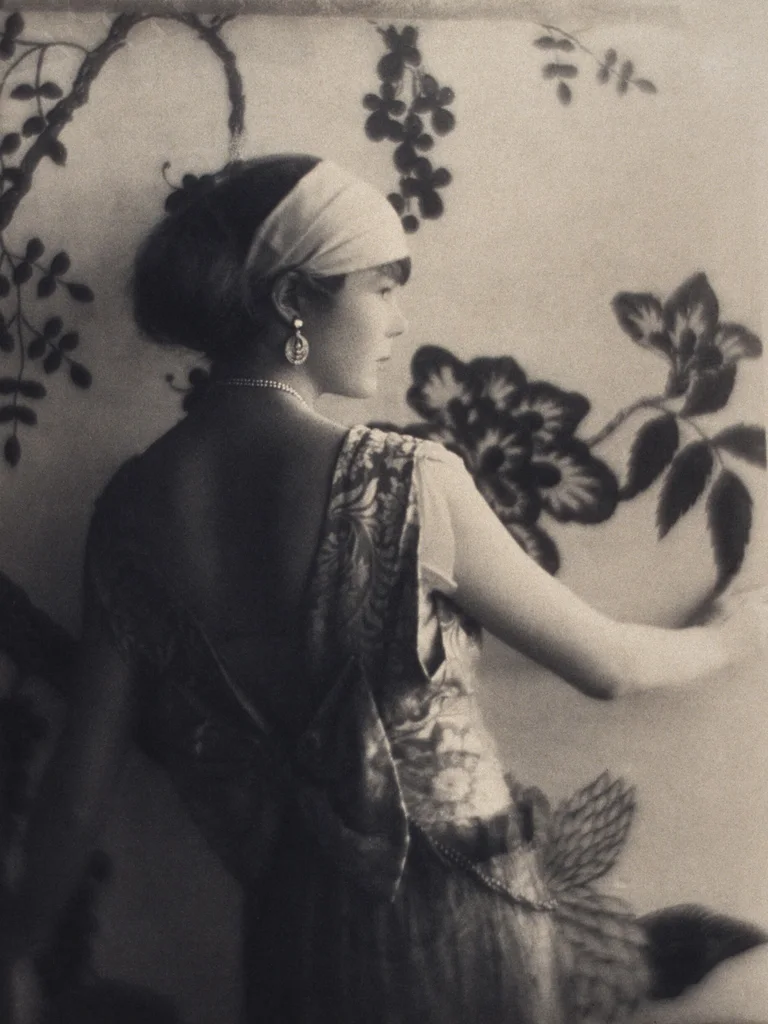 BeforeAfter
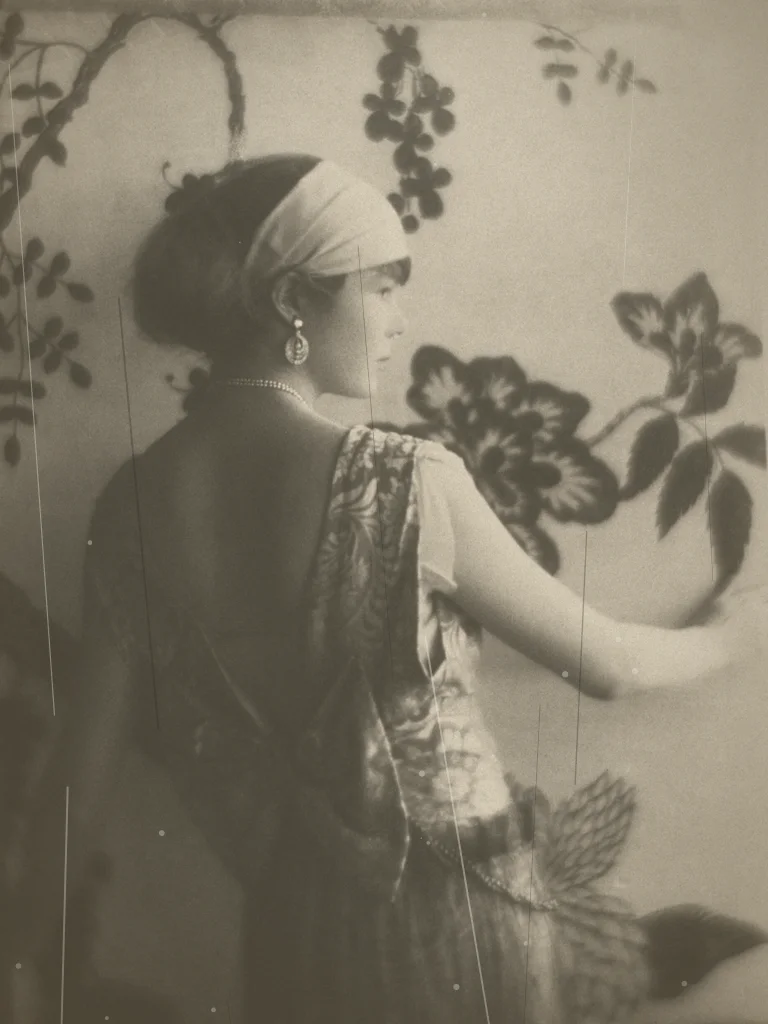
Sample demo — fixed before/after pair · Public domain, via Wikimedia Commons
Try the tool
No photo at hand? Pick a bundled sample to see what a restoration looks like. Each pair is fixed demo material: the “before” is a programmatically degraded copy of a public-domain photograph and the “after” is the original (sources and edits documented in ASSET_SOURCES.md). Pairs are clearly marked as sample demos.
Try a sample demo
Or upload your own photo
JPEG, PNG or WebP up to 10 MB, between 64 and 8192 px per side · Kids welcome with a parent's OK · no celebrities. General restoration: repair scratches, fading, yellowing and light damage in one pass.
What face enhancement can and cannot fix
Soft focus, film grain and small scans make faces in old prints hard to read. Turning on Enhance faces sharpens eyes, mouths and outlines while the rest of the photo gets the normal scratch and fade repair.
Enhancement rebuilds detail the scan does not contain. The tool aims to preserve facial features, but on very small or motion-blurred faces it can change a person’s look. That is why the option is off by default and every result opens next to the original.
Better input beats more enhancement: rescan the print at 600 dpi and crop to the people before you upload.
Honest limitations
- Severely damaged areas — torn corners, missing faces, large water stains — may need manual retouching beyond an automated pass.
- Extremely low-resolution scans (under 64 px per side) do not carry enough detail to reconstruct.
- Custom uploads proceed only when Google sign-in, server-side validation, input/output moderation, atomic budget and quota controls, and the configured private processing storage are all available; otherwise the request fails closed.
Who uses old photo restoration
Family archives
Digitize a shoebox of prints, then repair the scans before sharing them with relatives or printing a family book.
Genealogy projects
Clean up portraits of ancestors so faces are readable in a family tree, a memorial page or a reunion slideshow.
Memorials and anniversaries
Prepare a restored portrait for a framed gift, an obituary collage or a milestone celebration.
Local history and schools
Restore class photos, team pictures and town scenes for exhibitions, yearbooks or community archives.
How to fix blurry faces in an old photo online
1
Rescan the print at 600 dpi
A sharper scan gives the model real detail to work from. Keep the print flat and avoid glare; crop to the people if the faces are small.
2
Upload and turn on Enhance faces
Sign in with Google, choose the scan, switch on Enhance faces, and tick the photo-permission box.
3
Compare each face with the original
Use the slider and the enlarged face views. If a face no longer looks like the person, restore again with Enhance faces off.
4
Download the version you trust
Use one pack credit for the full-size, watermark-free result, and keep your original scan.
Best practices for good results
Scan, don’t photograph
A flatbed scan at 300–600 dpi beats a phone photo of a print: no glare, no perspective distortion, more detail.
Upload the highest resolution you have
More pixels give the restoration more real detail to work with, especially around eyes and hands.
Keep the original untouched
Always restore a copy. The original scan is your safety net if you want a different approach later.
Common problems and how to fix them
The upload is rejected
Only JPEG, PNG and WebP up to 10 MB are accepted. Convert HEIC or TIFF scans first, and keep each side under 8192 px.
Faces look too smooth
Over-aggressive cleanup can erase skin texture. If that happens, prefer a lighter general pass over stacked repairs.
The photo is torn or incomplete
Automated restoration repairs surface damage, not missing content. Heavily torn prints still need manual retouching.
Which setting for which problem
Pick the setting by what is wrong with the photo. Enhance faces only changes faces; the rest of the photo always gets the normal scratch and fade repair.
| Problem in the photo | Setting | What to expect |
|---|---|---|
| Faces slightly soft, photo otherwise fine | Enhance faces on | Sharper eyes and mouths; check the likeness with the slider |
| Tiny faces in a group photo | Rescan at 600 dpi, crop to the group, Enhance faces on | Better detail; very small faces may be rebuilt rather than recovered |
| Motion blur or heavy grain | Enhance faces on, then compare with it off | Details may change; keep whichever version looks more like the person |
| Faces readable, but scratches or fading | Enhance faces off | Repairs damage without touching facial features |
| Black-and-white photo you want in color | Use the colorize tool | Adds color; face enhancement is a separate pass |
Before-and-after examples on this site use public-domain photographs with simulated damage.
Frequently asked questions
Will fixing a blurry face change how the person looks?
It can. Enhance faces sharpens eyes, mouths and outlines, and on very small or motion-blurred faces it may rebuild details rather than recover them. The tool aims to preserve facial features but cannot guarantee a likeness, so always compare with the original and leave Enhance faces off if the face is already readable.
How long does it take to fix blurry faces in an old photo?
In our tests the restoration step took about a minute (55–59 seconds on three test photos), plus upload and safety checks. The result appears on the same page when it is ready.
How much does it cost to fix blurry faces?
Each Google account gets one low-resolution, watermarked preview per day. Full-size downloads use one-time packs: $4.99 for 10 photos, $9.99 for 30 or $19.90 for 80. There is no subscription.
What happens to my photo after I upload it?
It is used only to restore that photo. Each photo is safety-checked before and after restoration, and results are stored privately for your account. Our copies stop being accessible after 15 minutes (uploads) and 60 minutes (results) and expire within about two days; our restoration provider Kie keeps uploads up to 24 hours and results up to 14 days.
Can I upload photos of my kids, or old photos of me as a child?
Yes, if you are their parent or guardian or have permission. Childhood photos of yourself are fine too. Tick the confirmation box before each restoration.
What happens to a photo of my child?
It is used only to restore that photo. No face recognition, no age detection, no public gallery, and it is never sold or used for training. Our copy stops being accessible after 15 minutes and is removed by storage expiry within about two days; our restoration provider Kie keeps its own copy of the upload for up to 24 hours and of the result for up to 14 days. Email hello@heirloompix.com and we delete our copies within 24 hours.